
You can cancel your subscription from your Account page, by clicking on the Cancel subscription button located in the Subscription section.
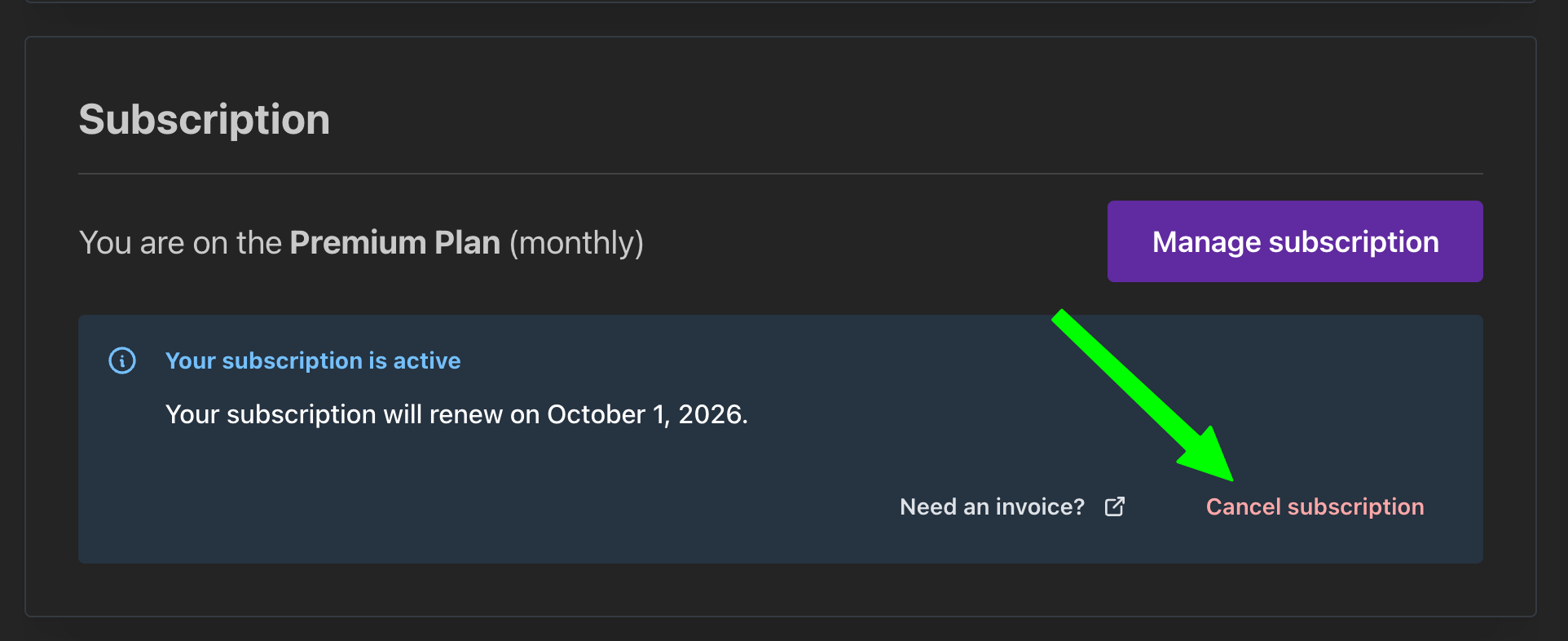
You can also make the following changes to your subscription by clicking the Manage subscription button:
Upgrade or downgrade to a different plan
Move from monthly to annual and vice versa
Update your payment method details
What happens to my credits when I cancel?
Your subscription stays active until the end of the current billing period, and you can keep using your subscription credits until then.
When your subscription ends, any unused subscription credits are removed from your account. This includes Premium credits that would otherwise have stayed available for a second month.
Credits you purchased separately are not affected. They stay valid for 1 year from the purchase date and can be used without a subscription.