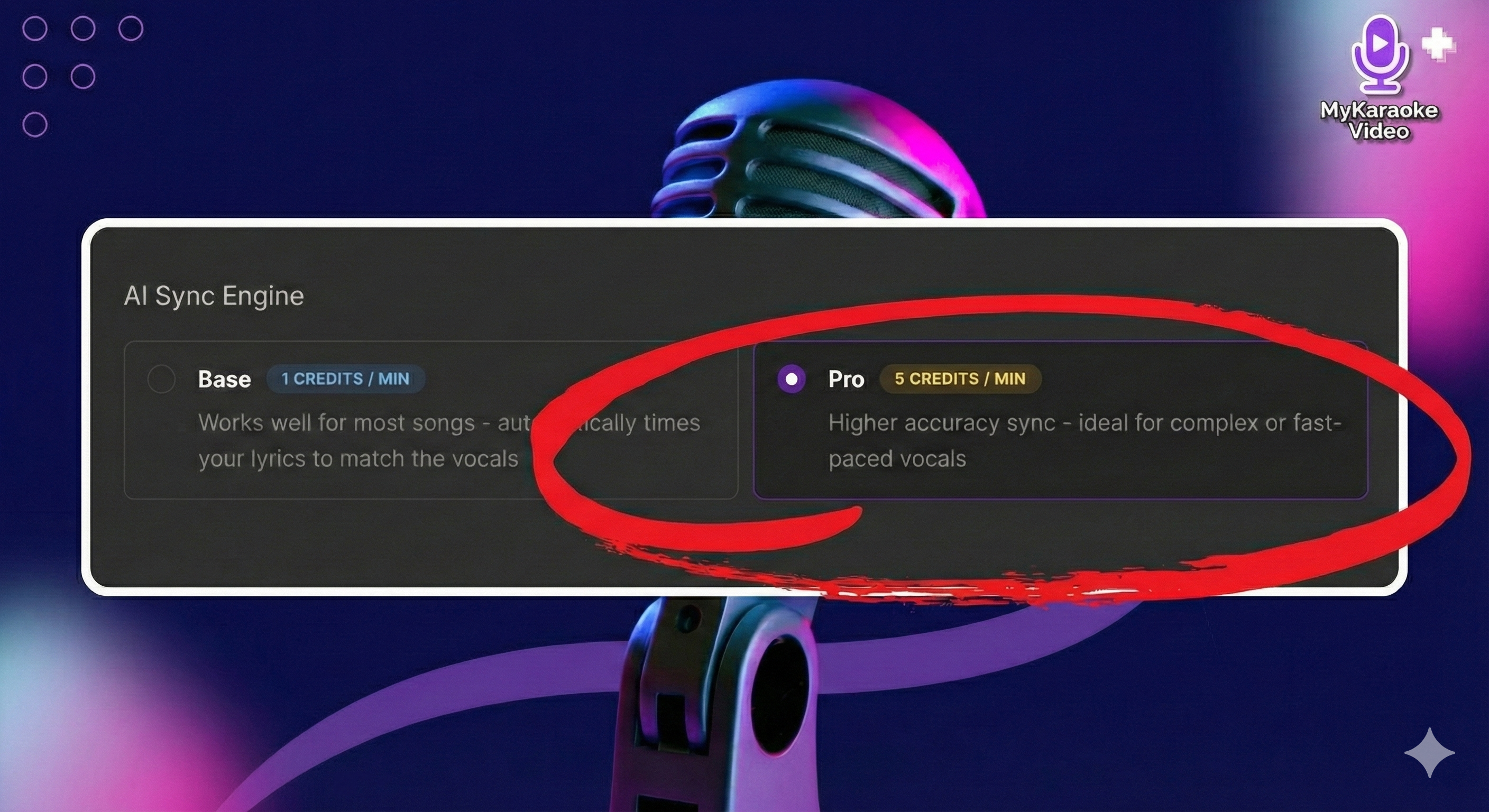
The Pro AI Sync Engine is an advanced processing option you can choose when you start a new project on the 1-click Karaoke/Lyric Video Generator, when you re-sync your lyrics with "Sync with AI" in the Lyrics Editor, or in the Auto Sync step for instrumental tracks. It offers high accuracy for lyric synchronization and automatic transcription. Pro is selected by default and marked Recommended. Want to save credits? You can switch to the Base AI Sync Engine at any time.
This guide explains when and how to use the Pro Engine to save you significant time, especially when working with difficult audio or when you don't have the lyrics available. Below, we explain the two most common scenarios in which you will utilize the Pro AI Sync Engine.
Use this feature when you need the platform to automatically generate your lyrics before syncing them to the audio.
Use this option when:
You do not have the lyrics written down.
You want to save time by having the platform automatically transcribe the audio instead of searching, copying, and pasting them yourself.
How to Use:
Upload your audio or video file.
Under Lyrics, select "Transcribe for me" (it's selected by default).
Choose a Transcription Engine: Standard (1 credit/min) or Premium (5 credits/min). No need to pick a language: it's detected automatically. For extra accuracy, you can also turn on "Transcribe from isolated vocals".
Transcription costs 1 credit per minute with Standard or 5 credits per minute with Premium, plus vocal isolation (from 1 credit per minute). The total is always shown before you click Generate.
Select the Pro Engine when you have your lyrics but need superior timing accuracy to avoid manual adjustments in the Lyrics Editor.
Use this option when:
You have fast-paced vocals, rap tracks, or tracks with layered/complex musical arrangements that typically cause timing issues with the Base Engine (1 credit/min).
You want to guarantee the highest level of accuracy and avoid spending time manually fixing synchronization issues altogether.
How to Use (On the Generator Screen):
Upload your audio or video file.
Under Lyrics, select "I have lyrics" and paste your accurate lyrics into the text area provided.
Under the AI Sync Engine options, the Pro engine is already selected for you.
The enhanced synchronization process will cost 5 credits per minute of audio.

Since the Pro AI Sync Engine has different costs depending on the function you choose, it is helpful to plan your approach before uploading your song:
Goal | Song Type | Recommended | Cost | Time Saved |
Low Cost Sync | Simple, slow-paced vocals, non-complex structure. | Base Engine | 1 credits/min | Minimal (might require manual adjustments) |
Max Accuracy Sync | Fast-paced, layered, or complex rap/vocal tracks. | Pro Sync | 5 credits/min | High (reduces manual Lyrics Editor time) |
Lyrics Transcription | Any song where you don't have the lyrics. | Standard or Premium Transcription | From 1 credit/min | High (avoids searching/copying time) |
For most cost-conscious users, searching and copying the lyrics yourself, and then using the Base Engine for simple songs, is the most budget-friendly workflow
All automatic processes on the platform, including transcription and synchronization, require credits. For a full breakdown of how credits are used and managed, please consult our detailed guide:
Understanding Your Credits
Everything You Need to Know About Creating Videos with MyKaraoke Video
